
For the buyer
Find a home. Ask about that exact property.
Case study / Real estate · Istria, Croatia
A property website connected to the agency’s everyday work: listings, enquiries, documents and website changes.
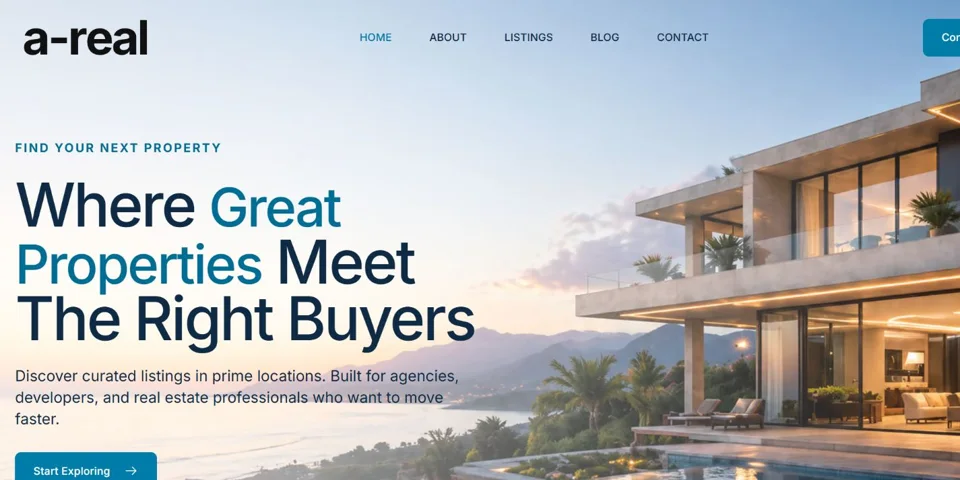
Find a home. Ask about that exact property.
Update a listing once. Keep the customer context.
Describe a change. Review the result.
The connected project
One place to manage the work. A clearer experience for everyone visiting the website.
01 / Property discovery
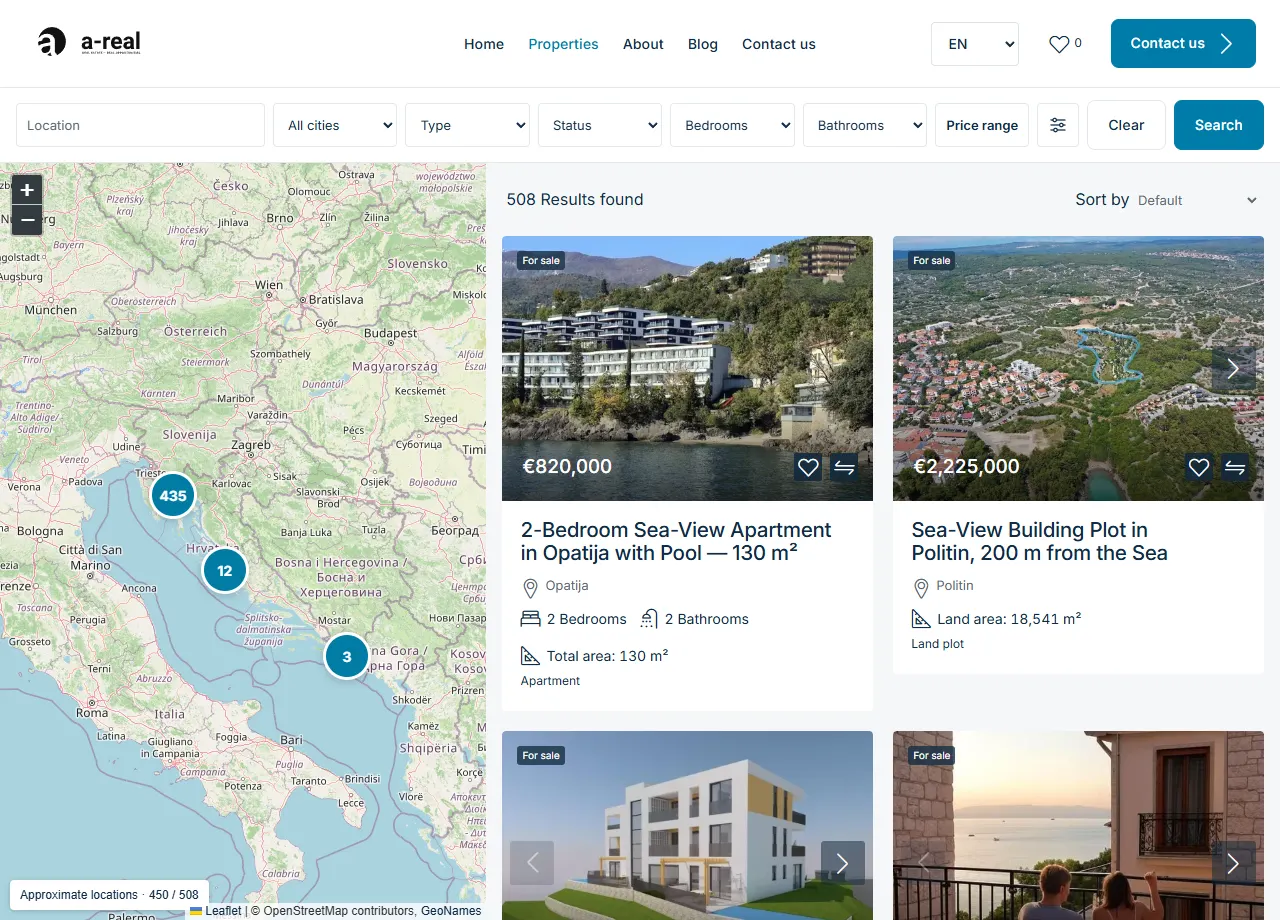
A searchable catalogue, locality map and property galleries help buyers find the right place. Each enquiry keeps the selected property attached.
What gets easier

02 / A CRM for real estate
The real estate CRM connects properties, listings and people. Approved public information feeds the website.
What gets easier
03 / Customer communication
15 email scenarios bring customer and property context into a draft the team can review.
What gets easier
04 / Agreements & validation
Connected party, property and contract records help prepare documents and catch missing details.
What gets easier
05 / Connected website workspace
Speak or type a request. Check the wording. The configured workflow prepares the work and routes it through the required checks.
An example request / Review the transcript before submitting.
Speak or type. Check the transcript.
Agents gather context and prepare the work.
Check facts, permissions and approvals.
Publish the approved change. Verify it.
“Update the asking price for this villa to the agreed amount.”
Review the price and update the approved listing.
“Add this property with its photos, or publish our new agent’s profile.”
Check the supplied details before publication.
“Prepare a reply about this property and the buyer’s questions.”
Prepare a contextual answer for review.
06 / Search & ongoing care
Scan → create a task → fix → check again. Search issues become work with a visible next step.
Explore website qualityProject scope
Live: property discovery, CRM-backed catalogue and a real estate workspace. Email drafts are prepared for review. Owner invitations need an approved template; electronic signing needs a connected provider. Voice and agent tasks run through configured workflows and checks.
Questions, answered
Yes. A-REAL’s public catalogue uses the CRM’s approved property information. The agency manages its records in the customised workspace while private contacts, notes and documents remain private.
The system prepares scenario-based email drafts and structured contract records. Current email sending requires review. Owner invitations await the approved owner template, and electronic signing awaits a connected provider.
The connected workspace supports spoken requests that are transcribed and reviewed before submission. Examples include a price change, adding supplied property information or preparing a customer reply. Execution depends on configured workflows, permissions and required approvals.
Custom websites start from €2,000. This case study shows the wider A-REAL project. CRM customisation, automation, contract workflows and other integrations are scoped and priced in the proposal; the starting website price does not automatically include every capability shown here.
Your next project
Tell us which everyday task you want to make easier.
Custom websites from €2,000. Integrations and automation scoped separately.
Discuss your project Back to selected work